

Sale
1000 in stock
PANTHER FORCE Apple OTG Connector USB-A to Lightning Adapter For iPhone iPad
70 g
Original price was: £4.25.£2.25Current price is: £2.25.
Description
PANTHER FORCE Apple OTG Connector
Expand Your Possibilities with USB-A to Lightning Adapter (PF132)
|
For iPhone / iPad
Lightning Compatibility
|
Plug & Play
Instant Connection
|
USB Devices
Drives, Keyboards & More
|
Expand Your Apple Device Capabilities
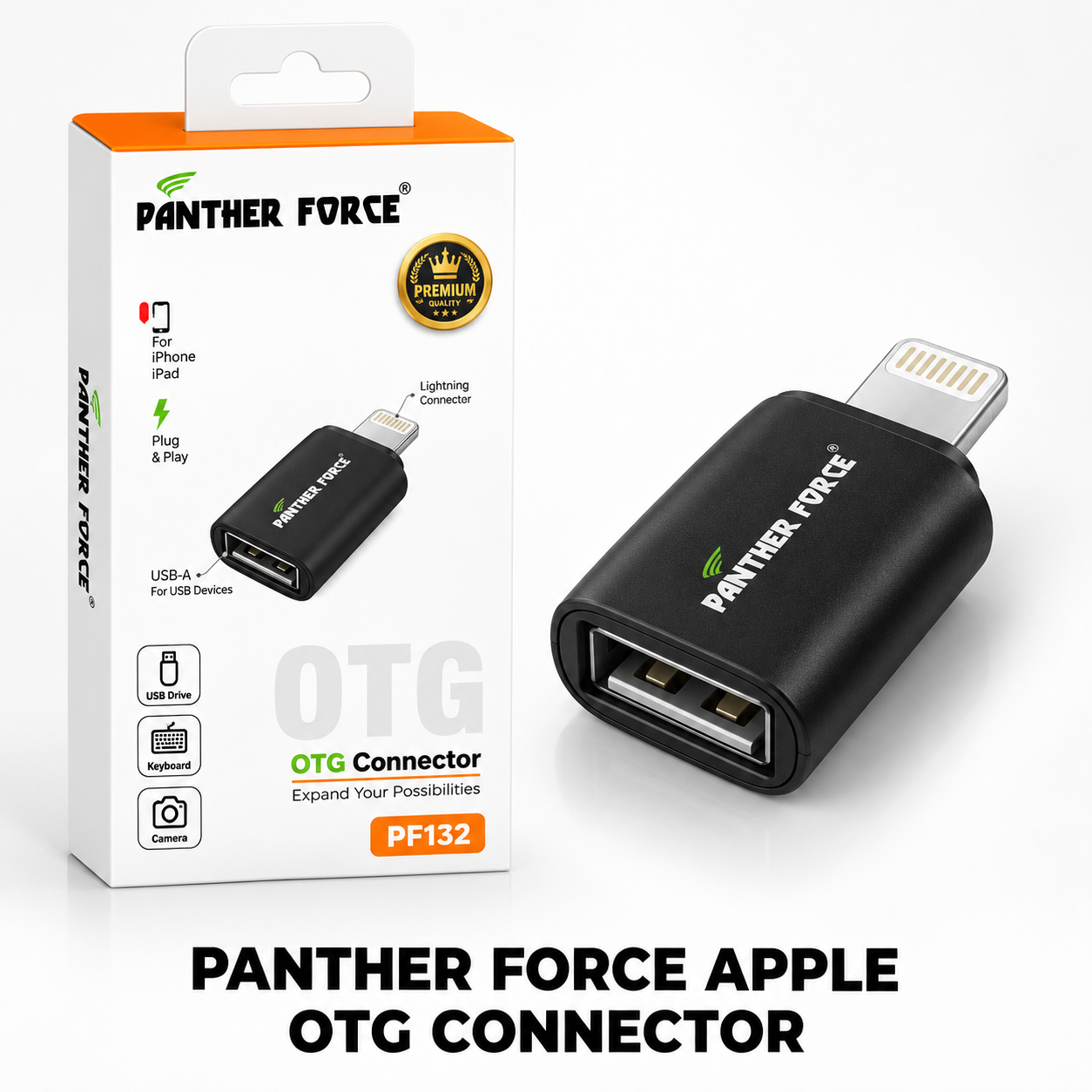
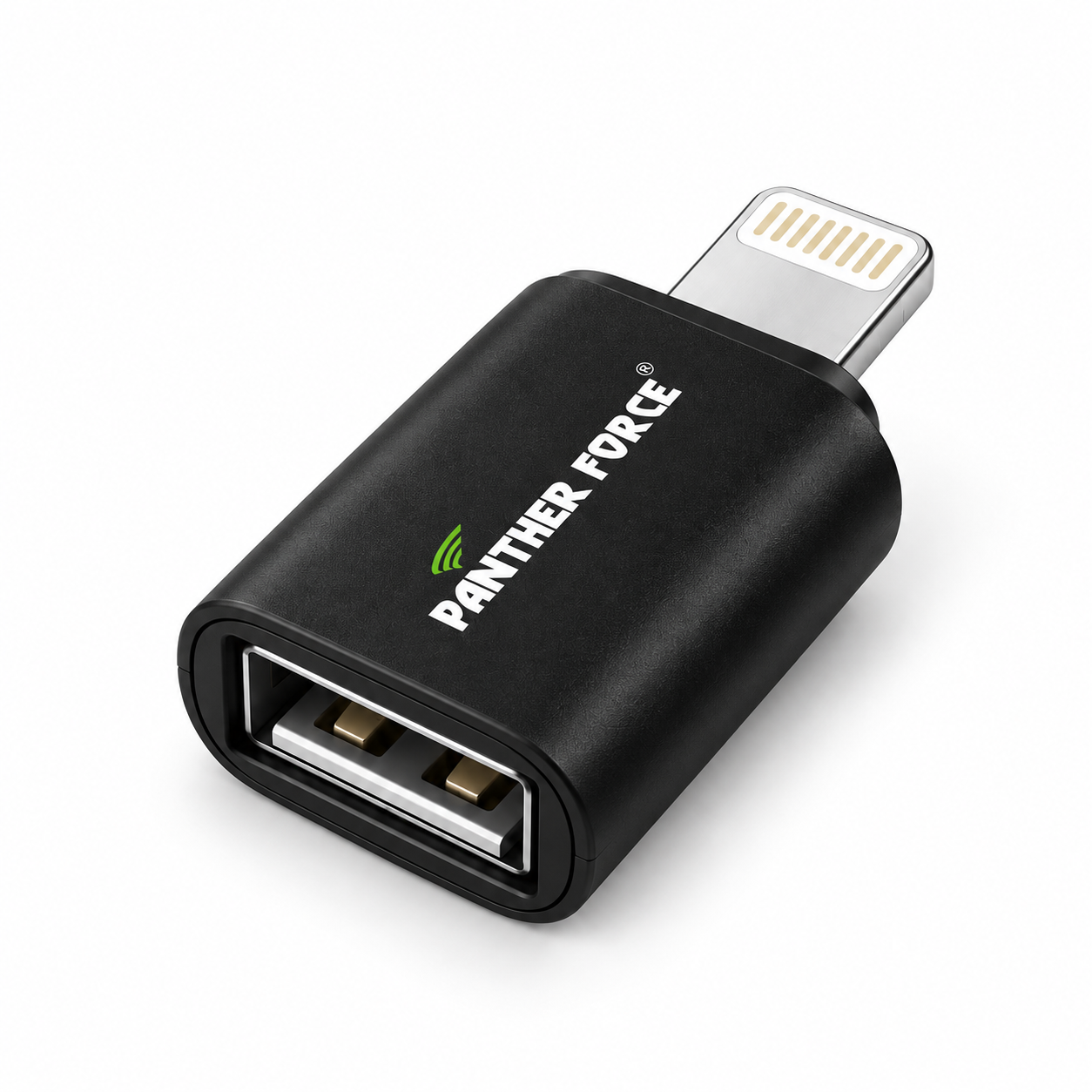
Unlock new potential on your Apple devices with the PANTHER FORCE Apple OTG Connector (PF132)[cite: 2]. Designed specifically for iPhone and iPad, this adapter allows you to connect standard USB accessories directly to your Lightning port[cite: 2].
Featuring a portable design, lightning connector, and a reliable USB-A port[cite: 2], it lets you connect USB drives, keyboards, cameras[cite: 2], and other peripherals effortlessly with plug-and-play simplicity[cite: 2].
Why You’ll Love It
For iPhone & iPadTailored to seamlessly bridge your Lightning-equipped Apple devices with standard USB accessories[cite: 2]. |
Plug & Play OperationRequires no complicated drivers or software setup; just plug it in and start using your peripherals instantly[cite: 2]. |
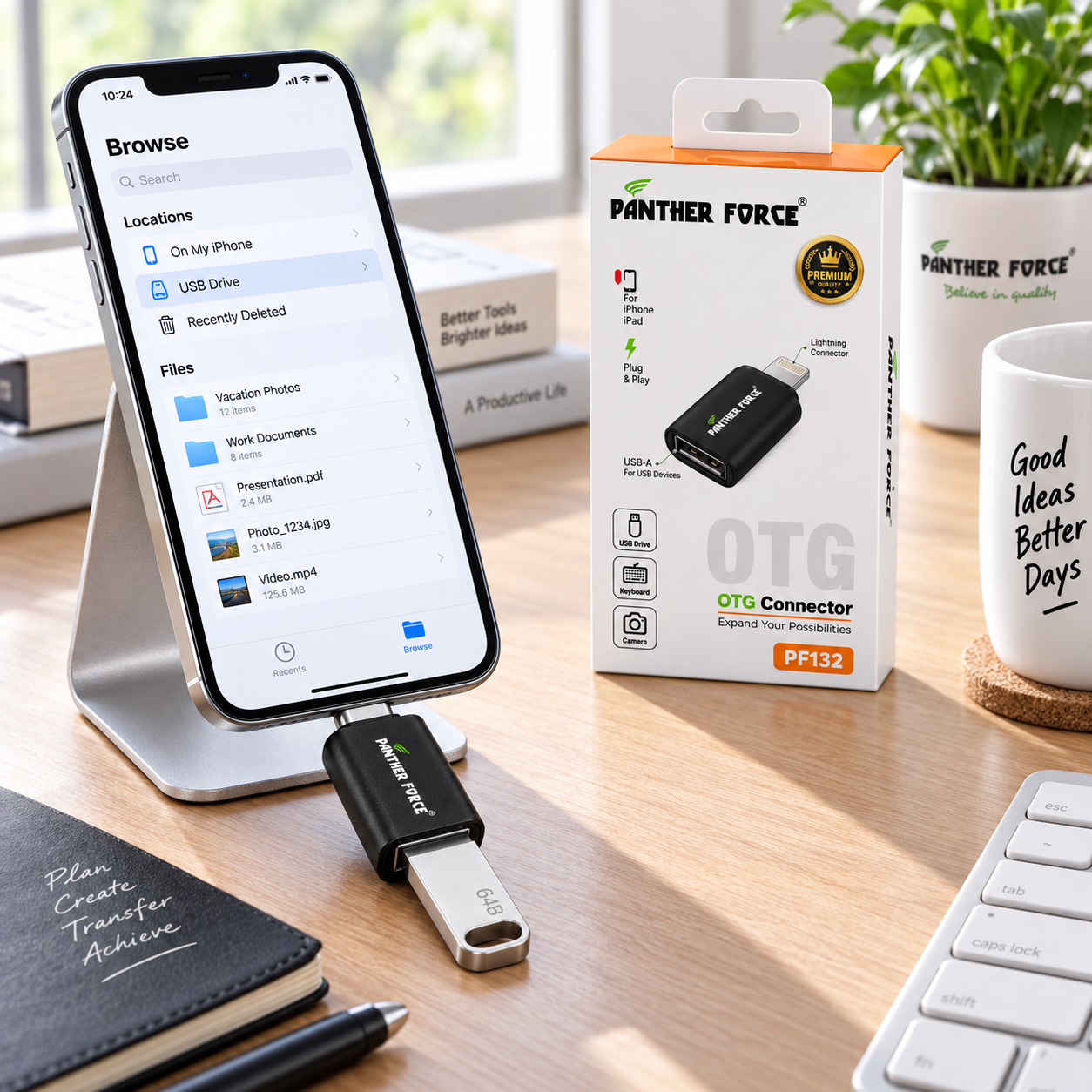
USB Drive SupportEasily connect flash storage and USB drives to transfer files, photos, and media on the go[cite: 2]. |
Keyboard & Input SupportAttach external USB keyboards to type faster and enhance productivity on your iPad or iPhone[cite: 2]. |
Camera ConnectionTransfer pictures and media directly from compatible digital cameras to your mobile workspace[cite: 2]. |
PANTHER FORCE QualityConstructed with premium housing and built to standard specifications for long-lasting daily use. |
Size and Weight Information
| Product Type | USB-A to Lightning OTG Adapter |
| Physical Dimensions | Compact Pocket-Sized Form Factor |
| Product Weight | Approximately 5g – 10g (Ultra-Lightweight) |
| Retail Box Dimensions | Compact Retail Hang Box Packaging |
| Suggested Packaged Weight | Approximately 50g – 70g (Including Box) |
Dimensions and weights are approximate estimates for shipping calculation purposes.
Suitable For
|
|
Quick Setup Guide
| 1 | Plug the Lightning connector end of the Panther Force PF132 into your iPhone or iPad[cite: 2]. |
| 2 | Connect your target USB device (such as a USB drive, keyboard, or camera) into the adapter’s USB-A port[cite: 2]. |
| 3 | Open the Files app or relevant application on your iOS/iPadOS device to access your connected hardware. |
| 4 | Complete your data transfer, typing, or media import tasks seamlessly. |
| 5 | Safely unmount or disconnect the peripherals and adapter when finished. |
Product Specifications
| Specification | Details |
|---|---|
| Brand | PANTHER FORCE[cite: 2] |
| Model / Part Number | PF132[cite: 2] |
| Product Type | OTG Connector / Adapter[cite: 2] |
| Input Port | Lightning Connector[cite: 2] |
| Output Port | USB-A (For USB Devices)[cite: 2] |
| Compatibility | For iPhone, iPad[cite: 2] |
| Operation | Plug & Play[cite: 2] |
| Color | Black |
| Condition | Brand New in Retail Box |
Package Includes
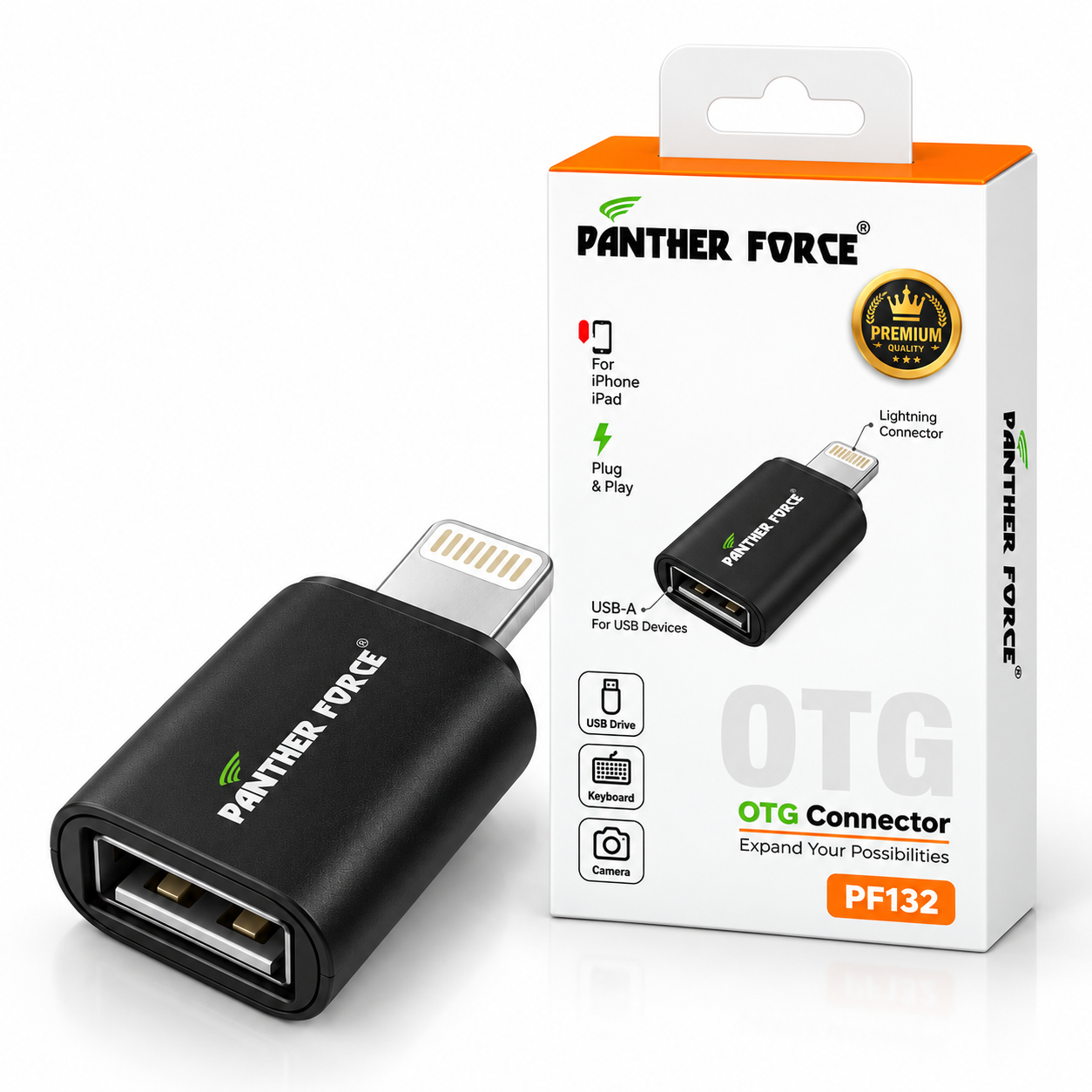
✓ 1 x PANTHER FORCE Apple OTG Connector (PF132)[cite: 2]
✓ 1 x Retail Product Packaging Box
✓ Phones, USB drives and external accessories are shown for demonstration only and are not included
Handling & Care Tips
Important: Insert and remove the adapter gently and straight to prevent bending the internal pins or damaging your device’s Lightning port.
Keep away from extreme moisture, high temperatures, liquids, and heavy impact forces.
Store in a clean, dry space when not in use to preserve connector integrity.
Expand Your Possibilities with Panther Force
Connect your essential USB accessories to your iPhone and iPad seamlessly with the PF132 OTG Adapter[cite: 2]!
Reviews
Build Your Next Winning Product Range

Sale

Sale

Sold out

Sale

Sale

Sale
There are no reviews yet.