

Description
Panther Force PF02 OTG Adapter
Multiport Lightning Adapter for Compatible Apple Devices
|
OTG Adapter
Expand Device Connectivity
|
3 × USB-A
Connect Compatible Accessories
|
USB-C Port
Additional Connection Option
|
Expand Your Compatible Apple Device
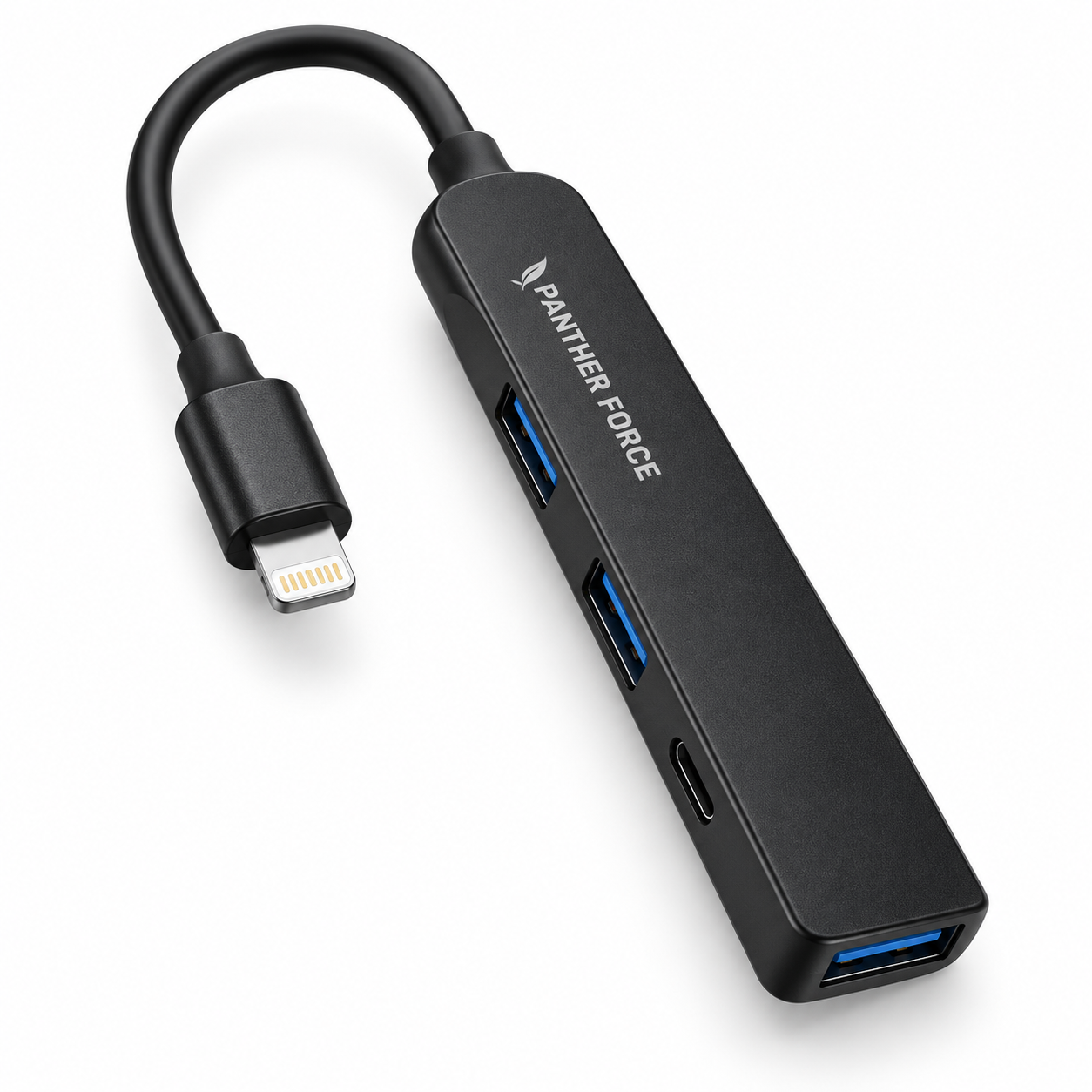
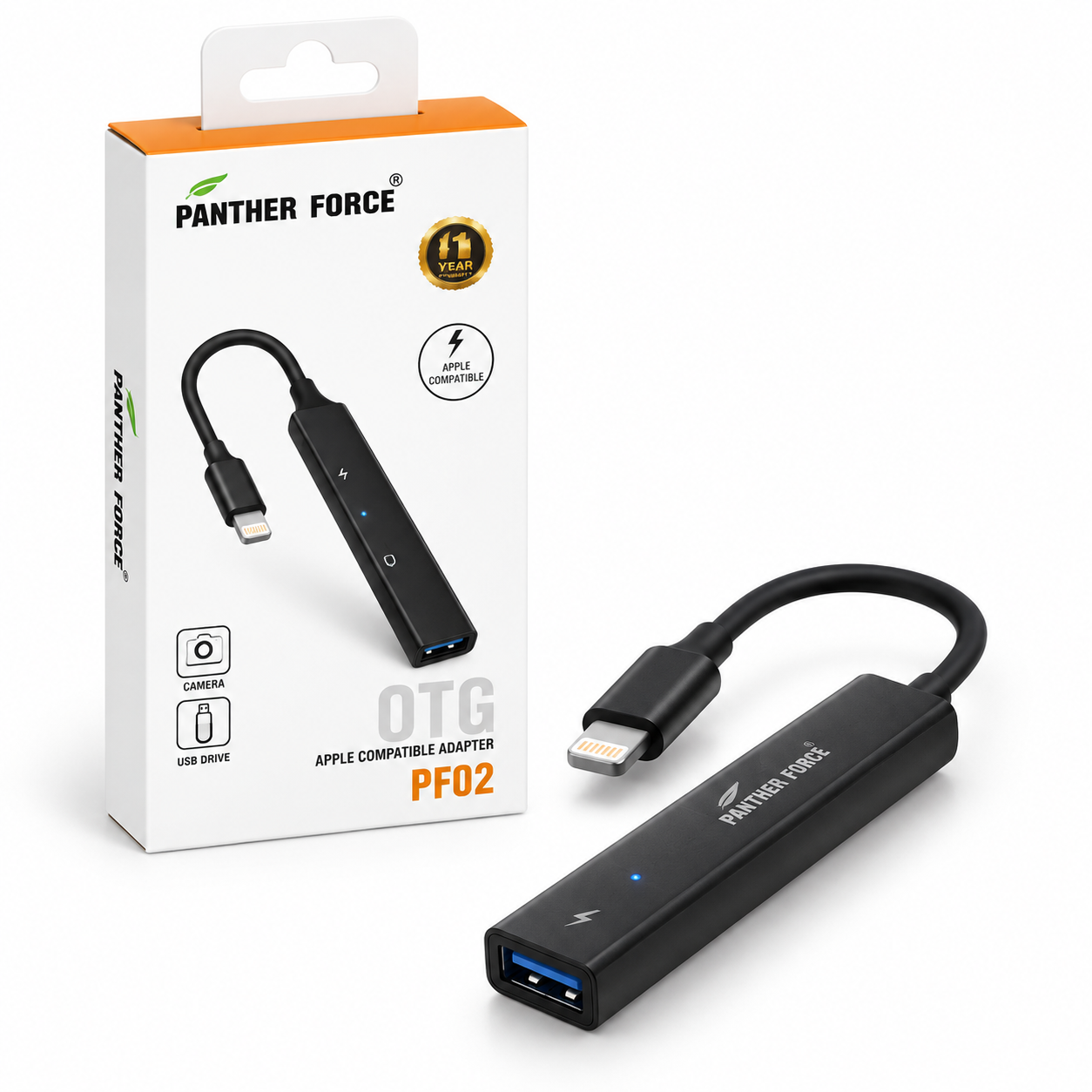
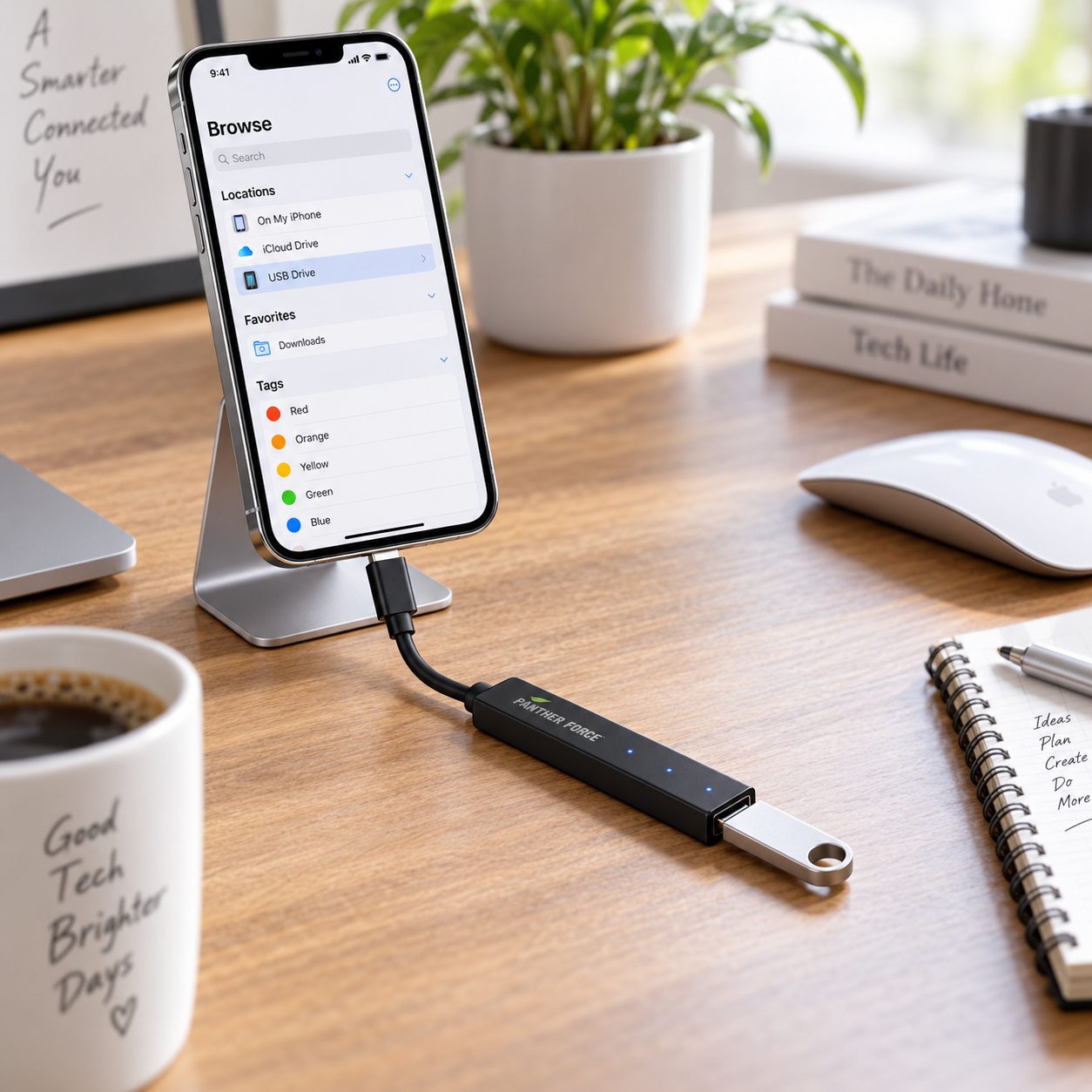
The Panther Force PF02 OTG Adapter provides a practical way to connect compatible USB accessories to supported Apple devices equipped with a Lightning port.
Its slim multiport design includes three USB-A ports and one USB-C port, providing convenient connectivity for suitable accessories such as keyboards, cameras, card-reading equipment and other supported USB devices.
Why You’ll Love It
3 USB-A PortsConnect suitable USB accessories through three conveniently positioned USB-A ports on the adapter. |
USB-C PortAn additional USB-C connection provides extra connectivity for suitable compatible equipment. |
Lightning ConnectionThe attached Lightning connector is designed for use with compatible Apple devices that support the required OTG accessory functions. |
Keyboard ConnectivitySuitable for connecting supported USB keyboards, providing a practical option for typing on compatible devices. |
Camera AccessoriesCan be used with suitable supported camera or photo-transfer equipment where compatibility allows. |
Portable DesignThe slim lightweight format is convenient for keeping in a laptop bag, backpack, handbag or travel case. |
Size and Weight Information
| Adapter Body Length | Approx. 10.5 cm |
| Adapter Body Width | Approx. 2.2 cm |
| Adapter Thickness | Approx. 1.2 cm |
| Attached Cable Length | Approx. 8-9 cm |
| Overall Length | Approx. 18 cm |
| Product Weight | Approx. 50 g |
| Estimated Packaged Weight | Approx. 90 g |
Please note: Measurements and weights are approximate estimates based on the product shown and may vary slightly. Please measure the physical item where exact specifications are required.
Suitable For
|
|
How to Use
| 1 | Check that your Apple device has a compatible Lightning connection and supports the accessory you intend to use. |
| 2 | Insert the Lightning connector carefully into your compatible device. |
| 3 | Connect your suitable USB accessory to one of the available ports. |
| 4 | Allow your device a few moments to recognise the connected accessory. |
| 5 | Disconnect accessories carefully after use without pulling or excessively bending the cable. |
Product Specifications
| Specification | Details |
|---|---|
| Product Type | OTG Multiport Adapter / USB Hub |
| Brand | Panther Force |
| Model | PF02 |
| Colour | Black |
| Host Connector | Lightning Male Connector |
| USB-A Ports | 3 |
| USB-C Port | 1 |
| OTG Support | For Compatible Supported Devices |
| Body Dimensions | Approx. 10.5 × 2.2 × 1.2 cm |
| Overall Length | Approx. 18 cm |
| Product Weight | Approx. 50 g |
| Quantity | 1 Adapter |
Compatibility Information
Important: This adapter is intended for compatible Apple devices with a Lightning connection. Compatibility can vary depending on the device model, operating system, connected accessory and its power requirements.
Not every USB accessory is guaranteed to operate with every iPhone or iPad. Some high-power accessories may require additional power or may not be supported by the connected device.
Package Includes
✓ 1 × Panther Force PF02 OTG Adapter
✓ Retail Packaging
✓ Connected phones, tablets, keyboards, cameras and USB accessories are not included
Care Information
Insert and remove connectors carefully. Do not force a connector into an incompatible port.
Avoid excessive pulling, twisting or sharply bending the attached cable.
Keep the adapter away from liquids, excessive heat, moisture and dust. Store in a clean and dry location when not in use.
More Connections from One Compact Adapter
Panther Force PF02 OTG adapter for convenient connectivity with compatible Lightning devices.






There are no reviews yet.